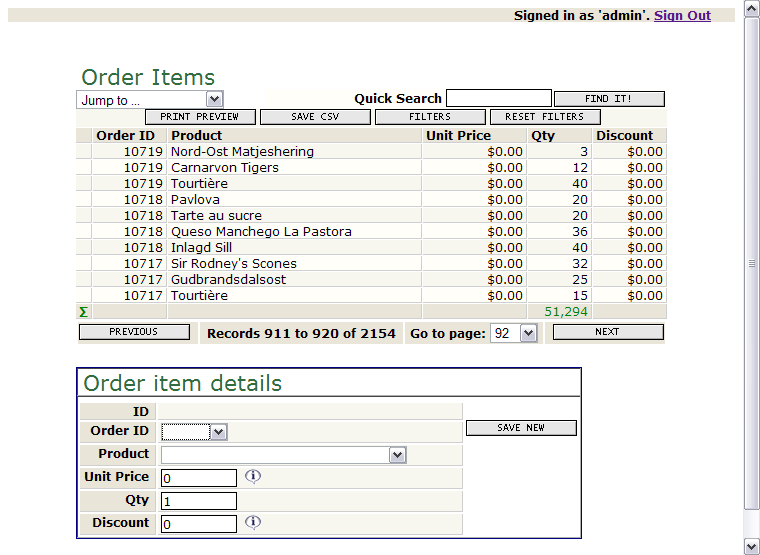
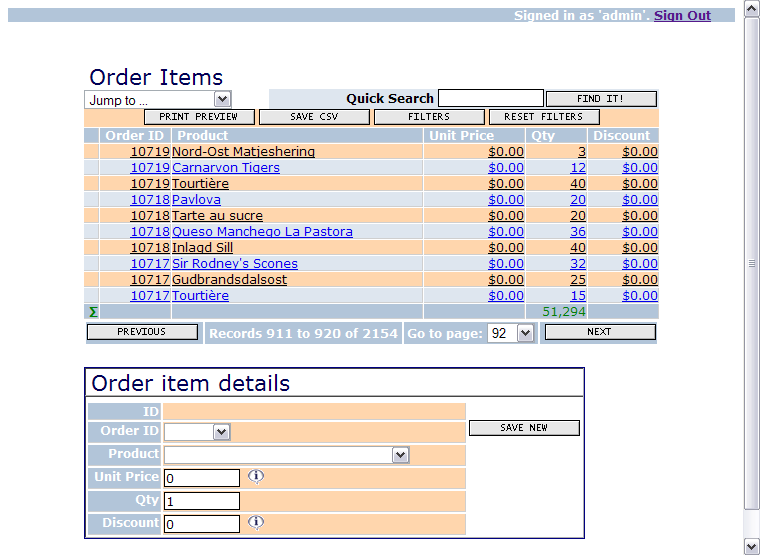
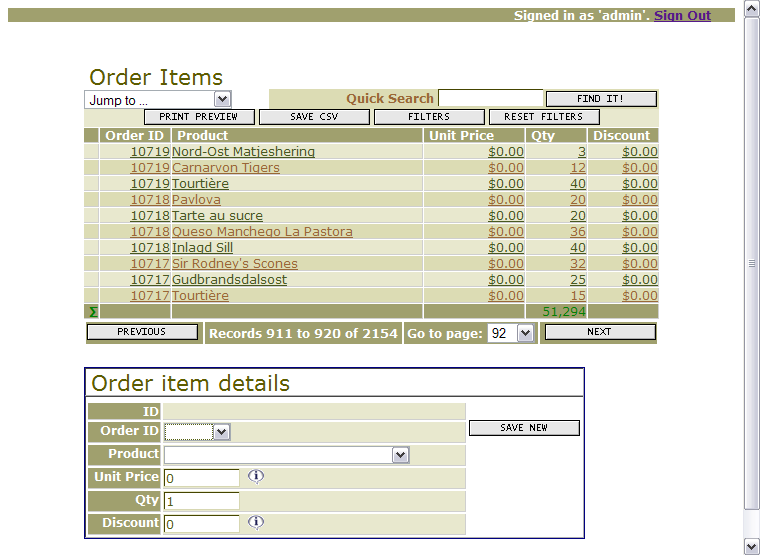
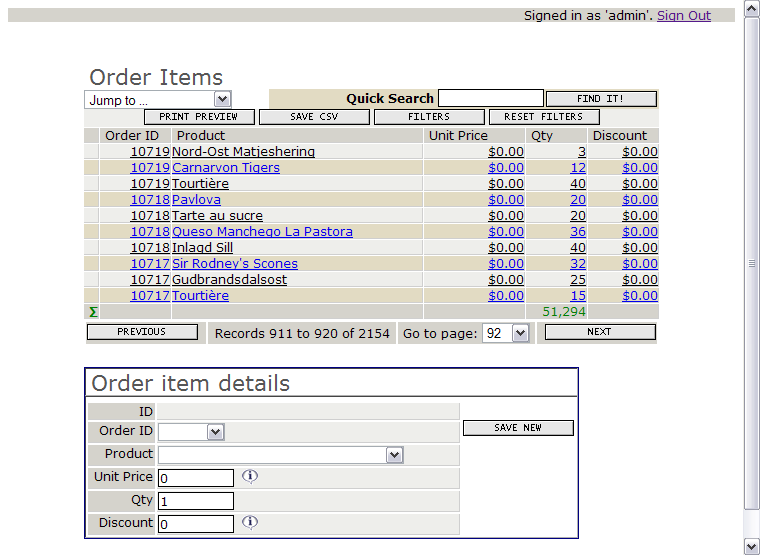
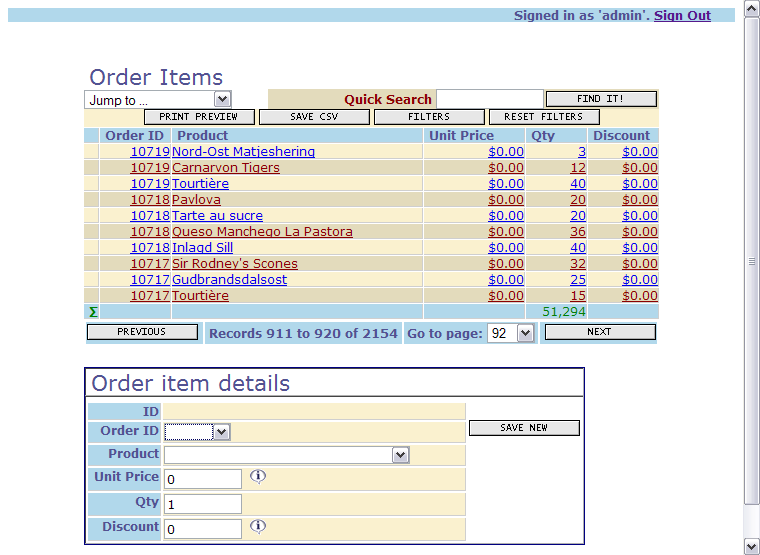
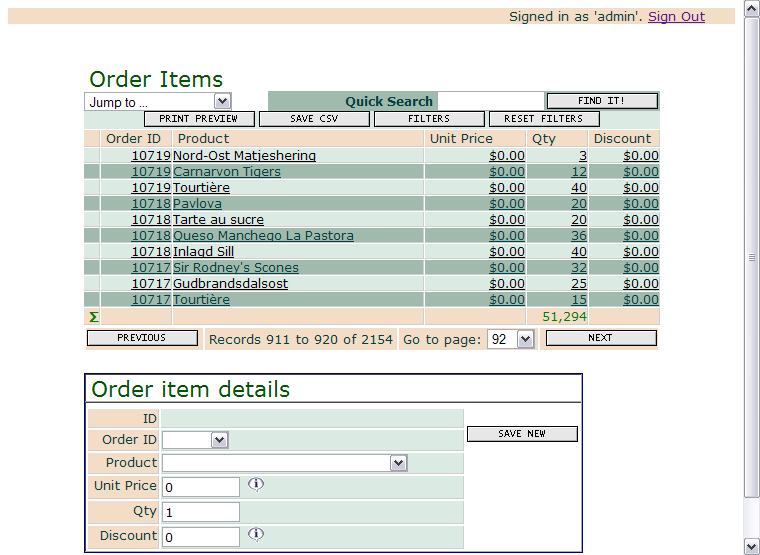
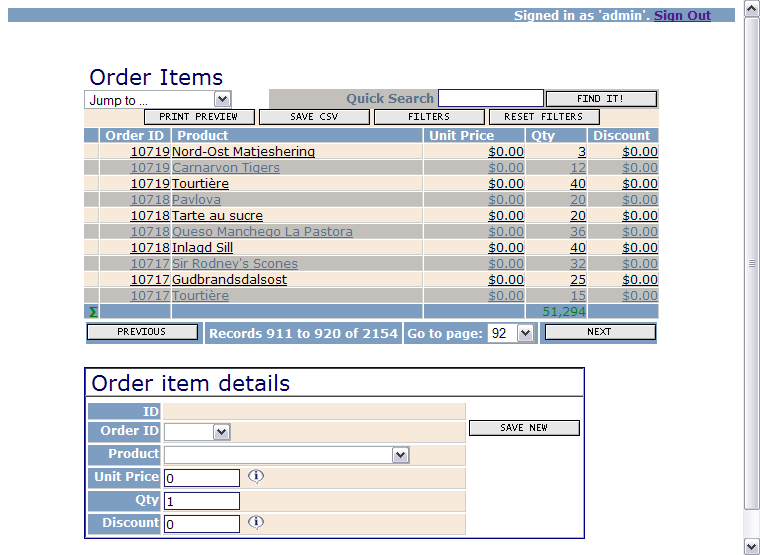
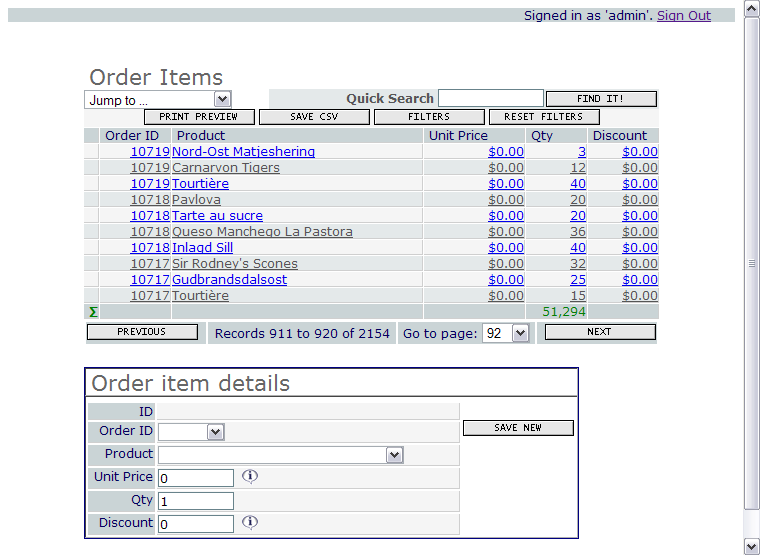
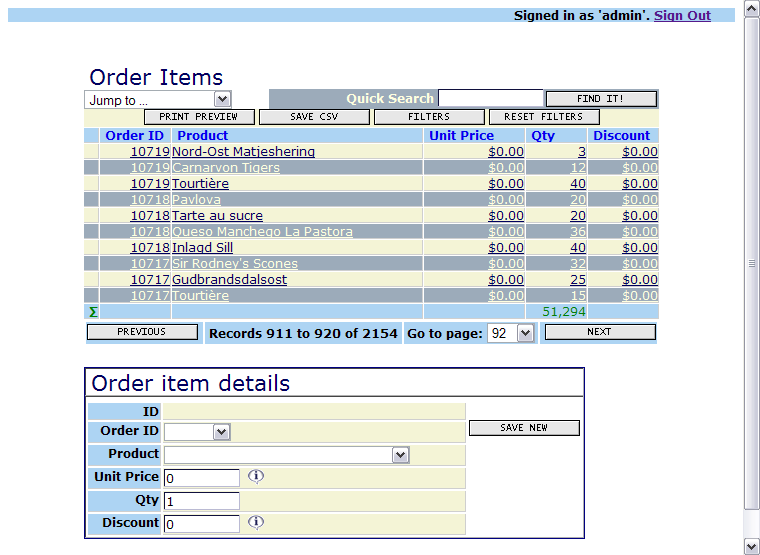
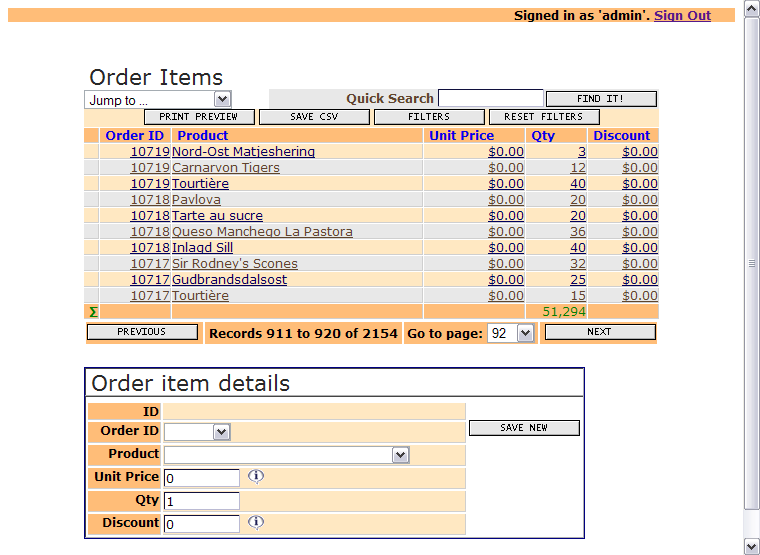
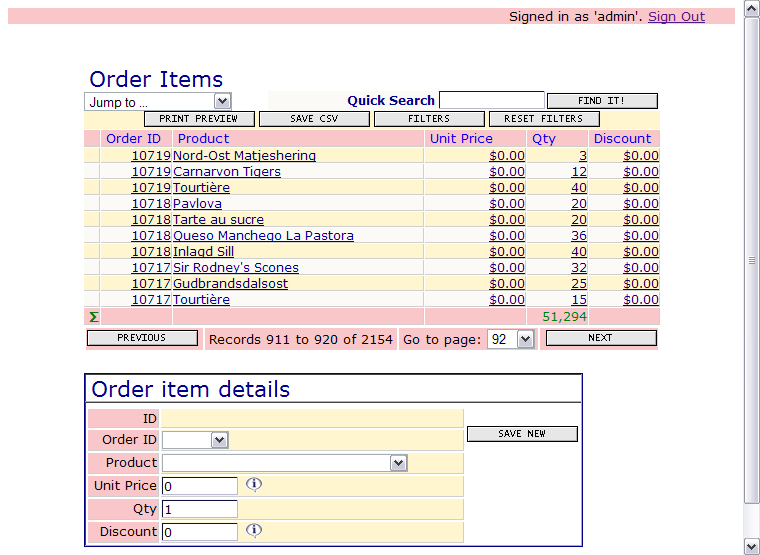
This page is only applicable to AppGini 4.50 and below. Newer versions of AppGini come with built-in themes and a new, more user-friendly theme editor.
Click here to download 11 additional
style themes for your AppGini projects.
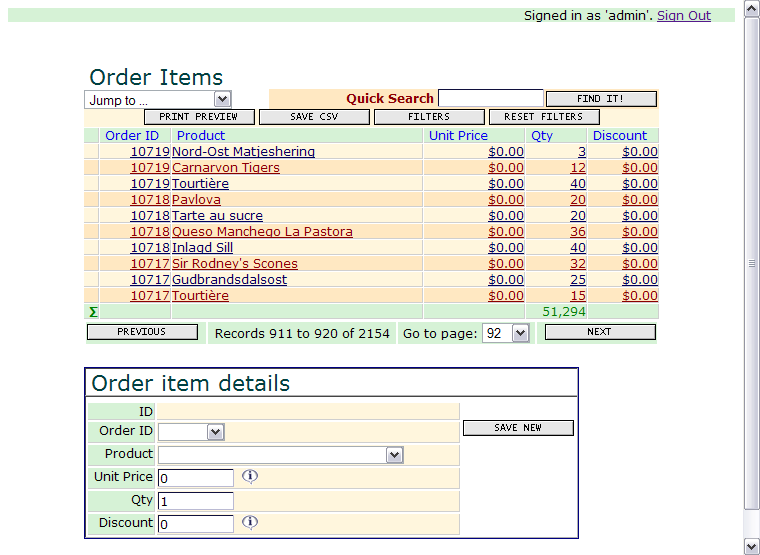
Preview all themes.
How to use these themes?
- Unzip the downloaded style files and keep record of which folder on your computer you unzipped them to.
- Open your database project in AppGini.
- Press F3 to open the project properties page if it is not already open.
- Click the Browse button that you see beside the "Project styles file" box.
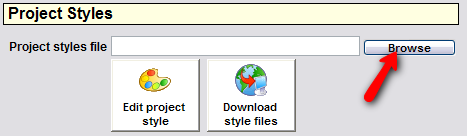
- Click "Yes" if any message window appears.
- You should now see the "Open Style" window. Browse to the folder where you unzipped the downloaded project styles. Then, Select the desired ags file you want to use and click Open.
That's all. You can continue working with your project or just generate your application by pressing
F5.
Click here to download the themes.