Working with tables
How can I add a table to a project?
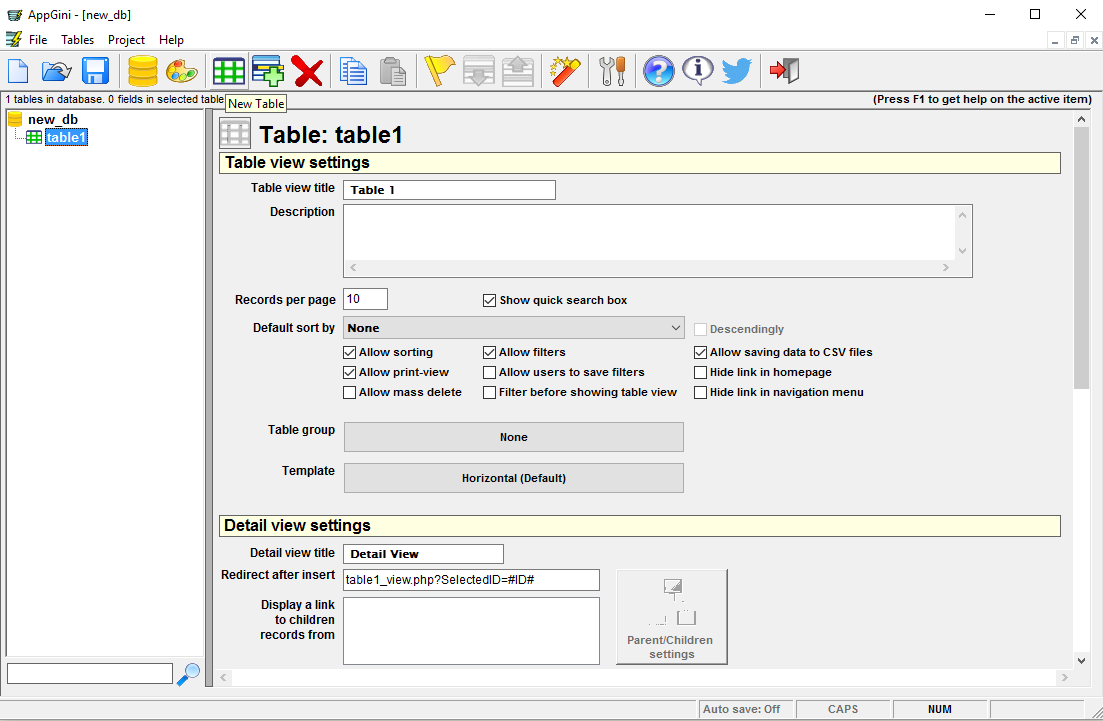
Make sure you have an open project, and click on the 'New Table' icon on the tool bar, or from the Tables menu, select New Table.
How can I rename a table?
Select the table by clicking on it in the Project Browser (if it is not already highlighted) and click on its name or press F2. A cursor will appear allowing you to rename the table.
How can I delete a table?
Select the table by clicking on it in the Project Browser and press the Delete button. Please note that deleting a table from AppGini does not delete it from your database if it already exists. This is done to protect your data from getting deleted unintentionally. If you really want to delete (drop) the table from your database, you can do so using phpMyAdmin or a similar MySQL administration utility.
What about table properties?
Click with the mouse on any property and press F1 to obtain help about its function.
Can I use a table from another AppGini project?
Yes, instead of having to recreate a table and all its fields, you can simply copy it from another AppGini project and paste it into your current project. Just use the Copy and Paste icons from the top toolbar.
Anonymous table permissions
By default, your new table will be accessible only to the admin users after uploading your AppGini application to the server. You can change the table permissions to allow access for anonymous users and/or other groups from the admin area of the generated application.