|
|
|
| |
![]() ![]() |
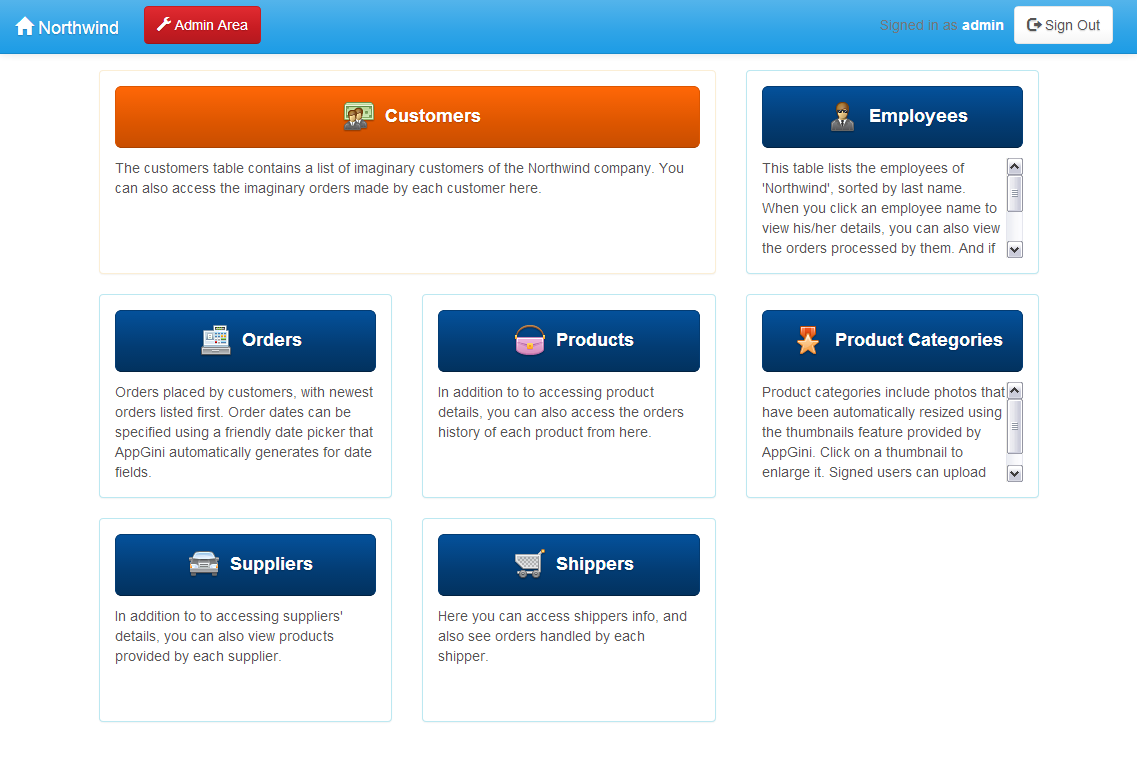
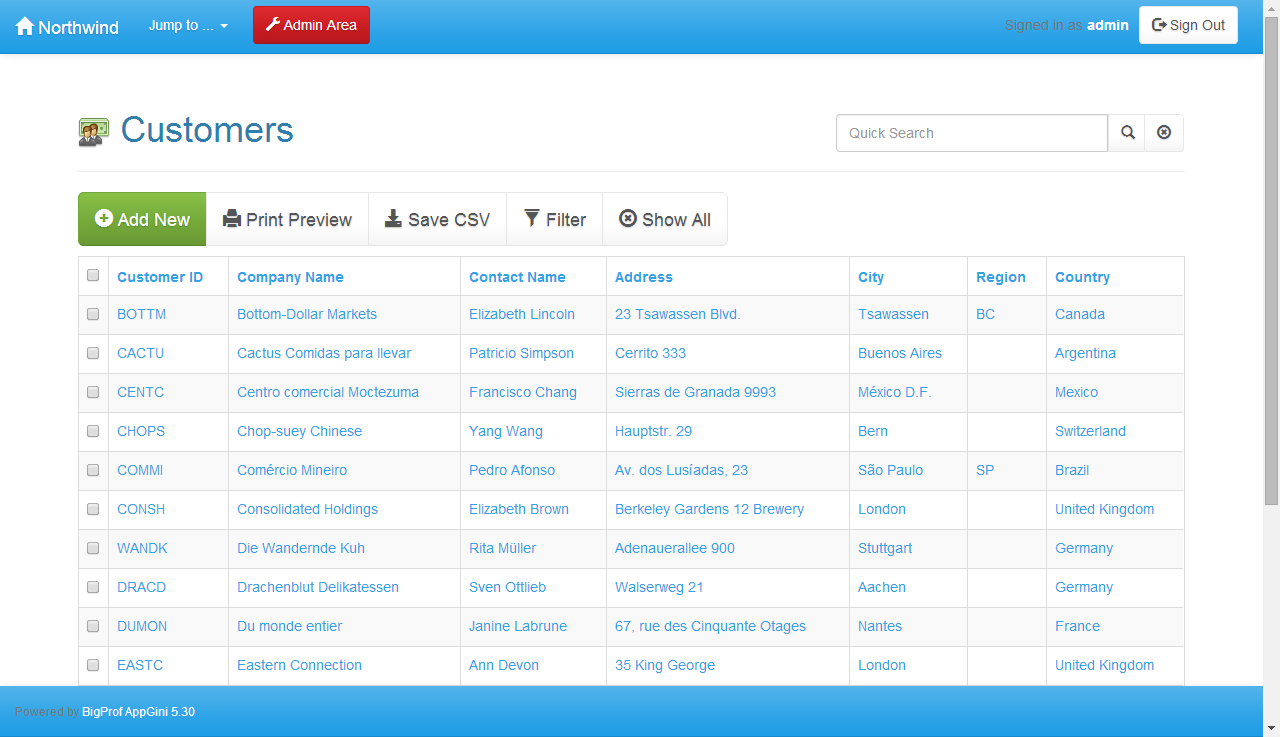
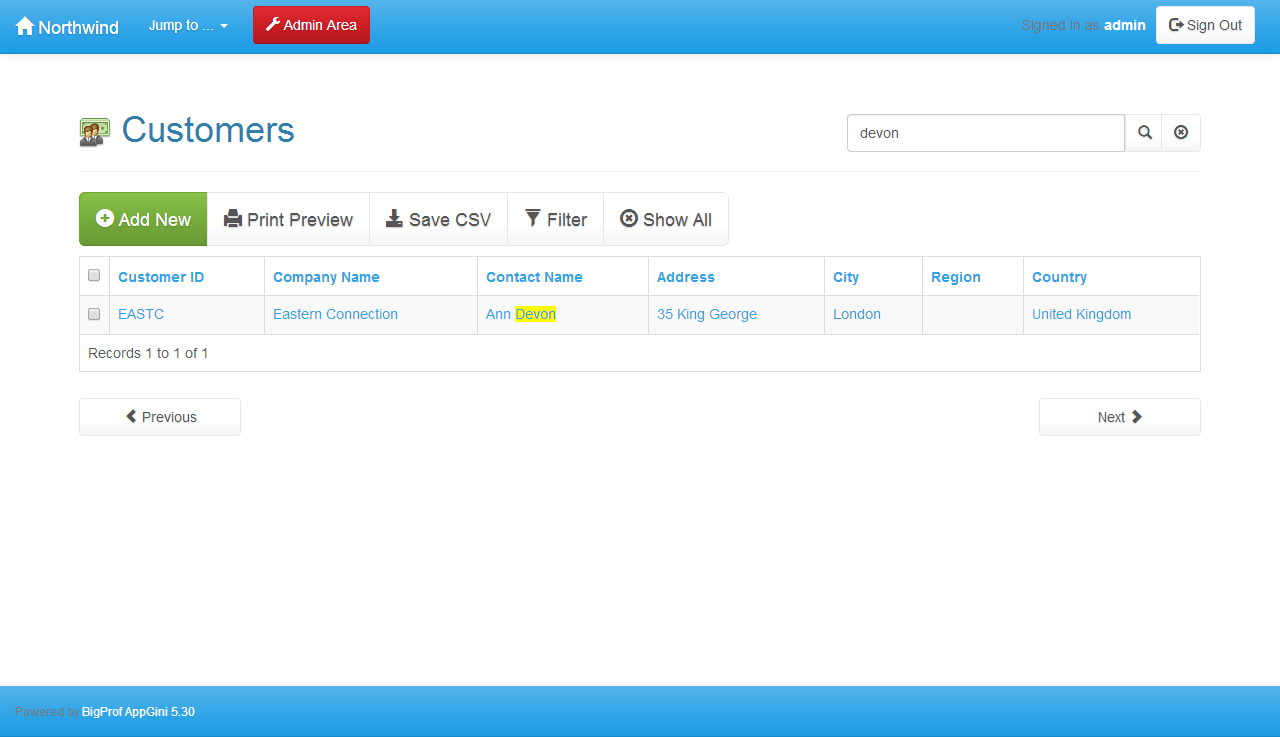
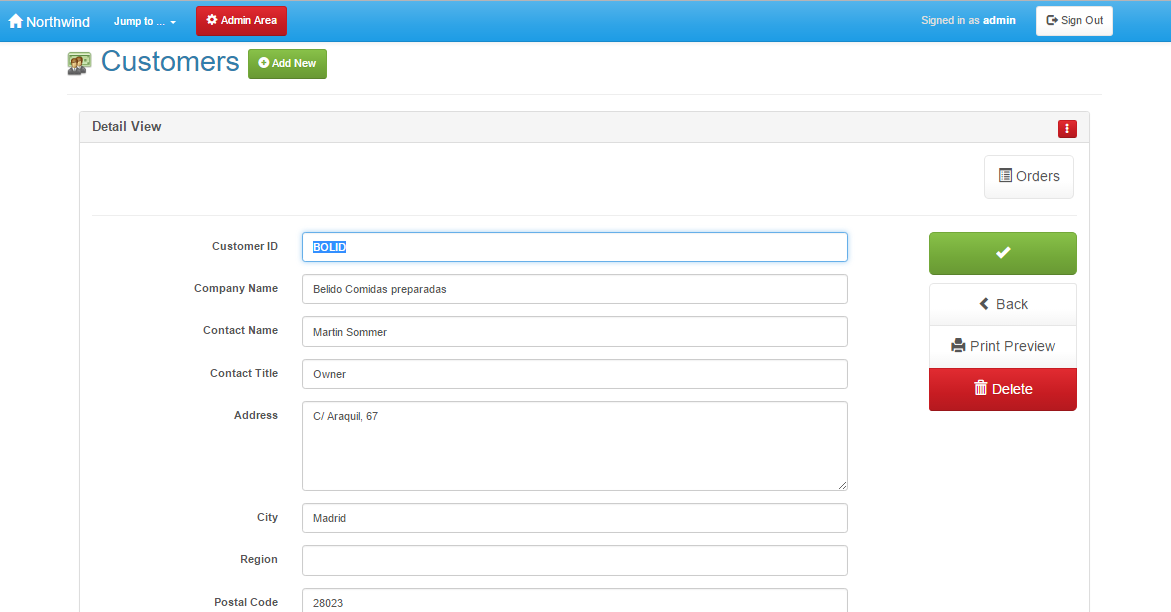
Screen shots from AppGiniPlease note that this page contains large pictures that may take some time to load.![]() The above screenshot shows AppGini while working with the Northwind database that has 8 tables: customers, employees, suppliers, products, categories, orders, order_details, shippers. The highlighted field (Photo) would contain photos of employees. This can be customized from the properties page in the right panel. ![]() The above screenshot shows AppGini's report after generating the PHP application for the northwind database. All you need to do now is simply upload the generated files to your webserver and run the setup script (setup.php). After you've done this, users can easily use your database. ![]() The homepage of php application generated by AppGini displays a list of the tables that users can access by clicking on any of them. Of course, you can easily customize this page by editing it in any text or HTML editor (the file you should open in your HTML editor is "index.html"). ![]() The employees table showing some records of data. You can add data by entering it in the form below the table and clicking on the "SAVE NEW" button. You can customize the appearance of the above page by editing the CSS styles in AppGini. You can adjust the layout as well by editing the template files of the detail view or the table view. You can even "wrap" you site template around this page by editing its header and footer in any text editor (the files you should open in your text editor are "header.php" and "footer.php"). ![]() You can select any record in the table by simply clicking on it in the table view. Once you click on a record, it is displayed in the data entry form (also called the 'Detial view'). You can edit or delete the selected record. If you click the "SAVE NEW" button while a record is selected, you'll copy the selected record data to a new record. You can disable editing of records in AppGini if you do not wish to permit users to modify data. For more screenshots, please take the Guided tour |
| |